Into The Breach: Installing Mods (MacOSX)
Hello Breachers,
As is the norm with Mac gaming, there exists next to no literature on the topic of how to get mods running on Into the Breach. I'm here to fix that.
Unfortunately, neither the native GoG nor the Steam ports of the game are moddable. Don't ask me why. I've tried very hard to get them to work, with absolutely no success.
However, with a very easy workaround, the GoG Windows version can be modded on a Mac and this is exactly what we will be doing via free programs like Whisky or paid projects such as CrossOver.
The Windows install works exactly like the Mac port, there is no noticeable difference.1
Step 1
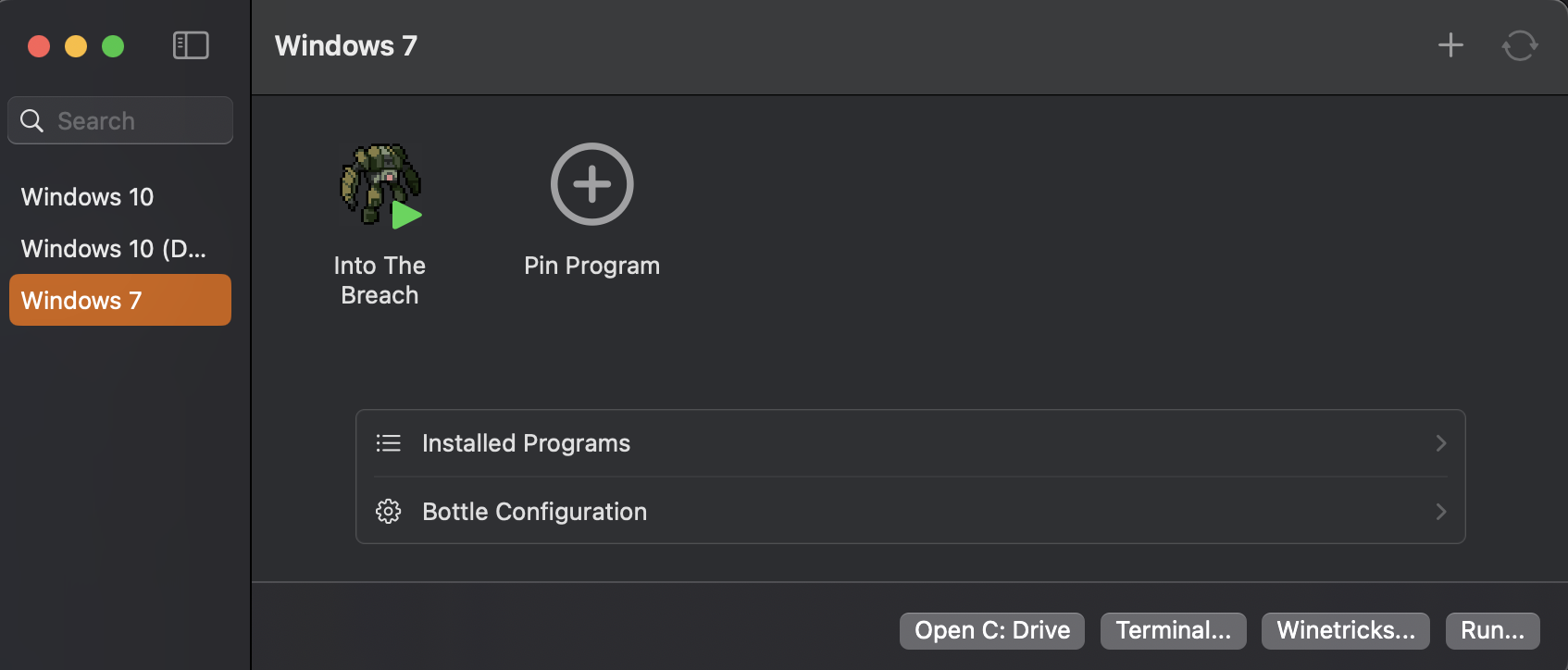
Install GoG's Into the Breach via your preferred compatibility layer method. I prefer Whisky, however if you're willing to pay for CrossOver, I also highly recommend it as it comes with a native ItB installation that makes the entire install process quicker and easier.
Step 2
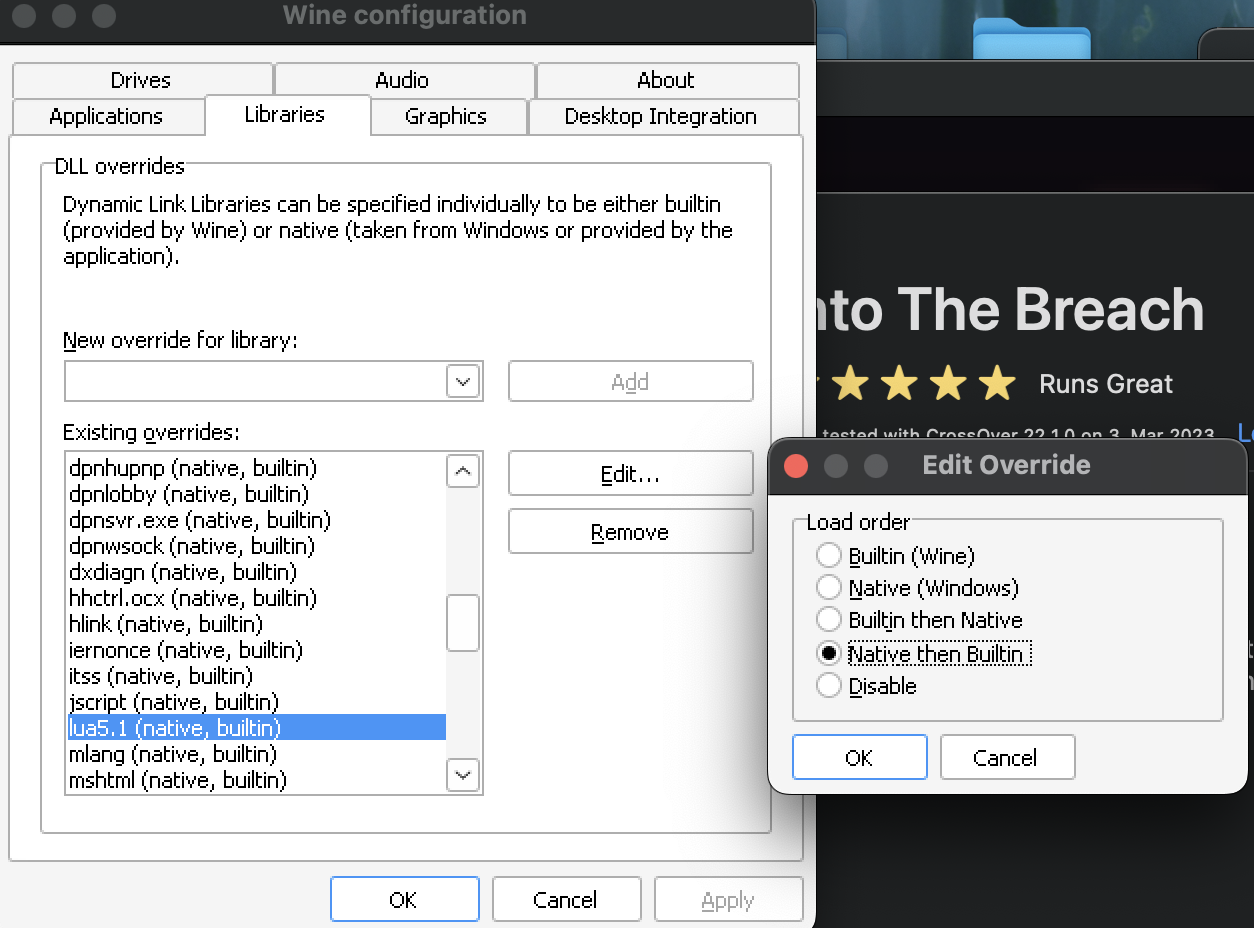
Once installed (feel free to launch the game at least once to confirm it runs properly), go into the Wine Configuration menu and head to libraries, then manually type and add the following new overrides for your library:
Lua5.1
sd2l
opengl32
This will bring up a pop up message - click "yes". Double-check and ensure the overrides are set to "Native then Builtin" (click 'edit' when in doubt).
Step 3
Now you'll need the actual ITB ModLoader, without which you cannot activate or use any mods.
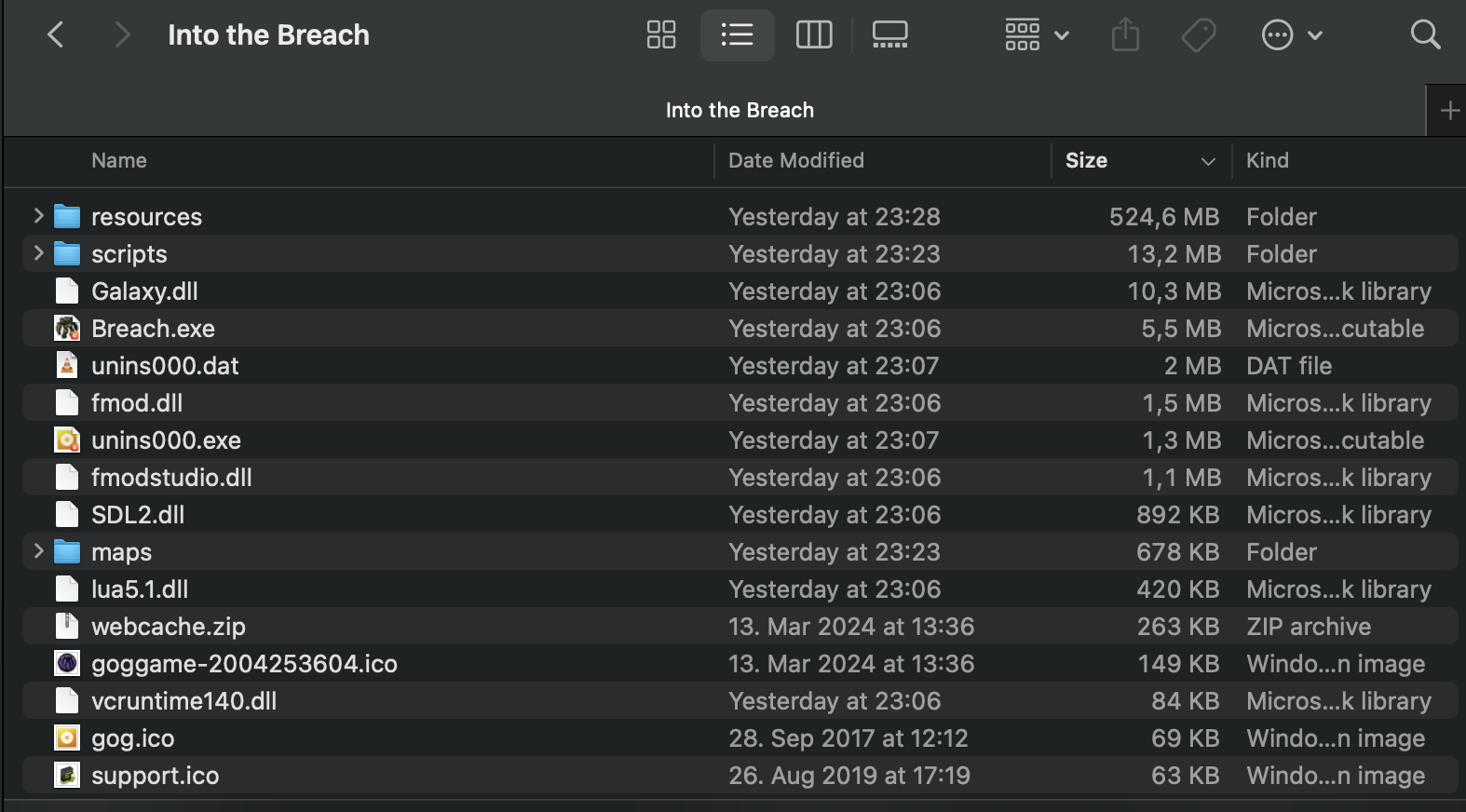
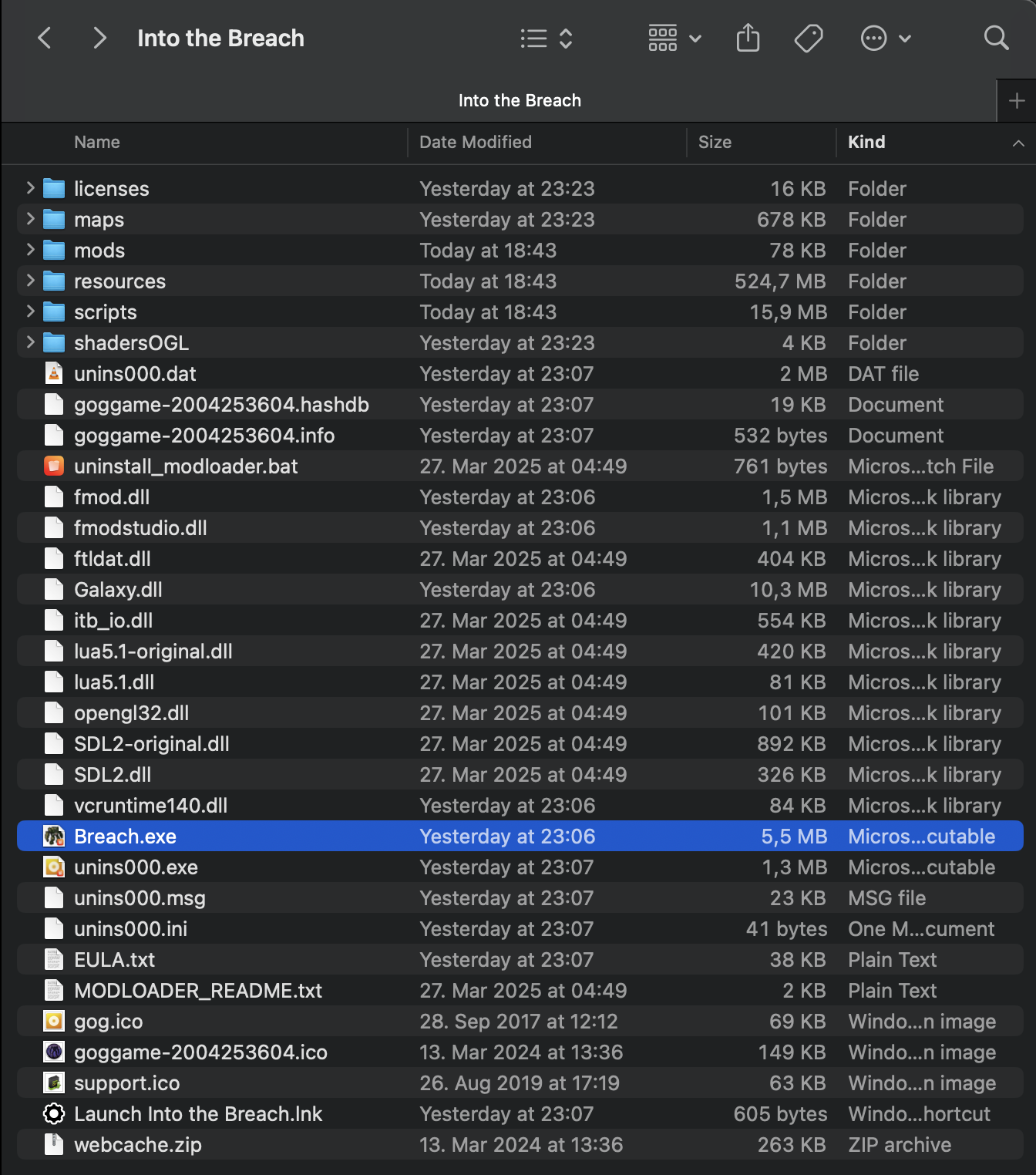
The installation instructions are included on the download page but in case it isn't clear: you need to overwrite/merge the old/vanilla ItB files with the new ones added by the ITB Modloader by placing the files into the folder with
Breach.exe
Its file path location will depend on the method you used to install the game, but if you see breach.exe, you're in the right place.
Note: Mac merges files in a dumb way. I would recommend manually copy-pasting and replacing files one-by-one instead of dragging all the new files directly into the game folder.
Step 4
Congrats, that was the hardest part. Now it's time to grab yourself some of the incredible mods out there! Here's a good place to start. Just pop them into the new ‘mod’ folder.
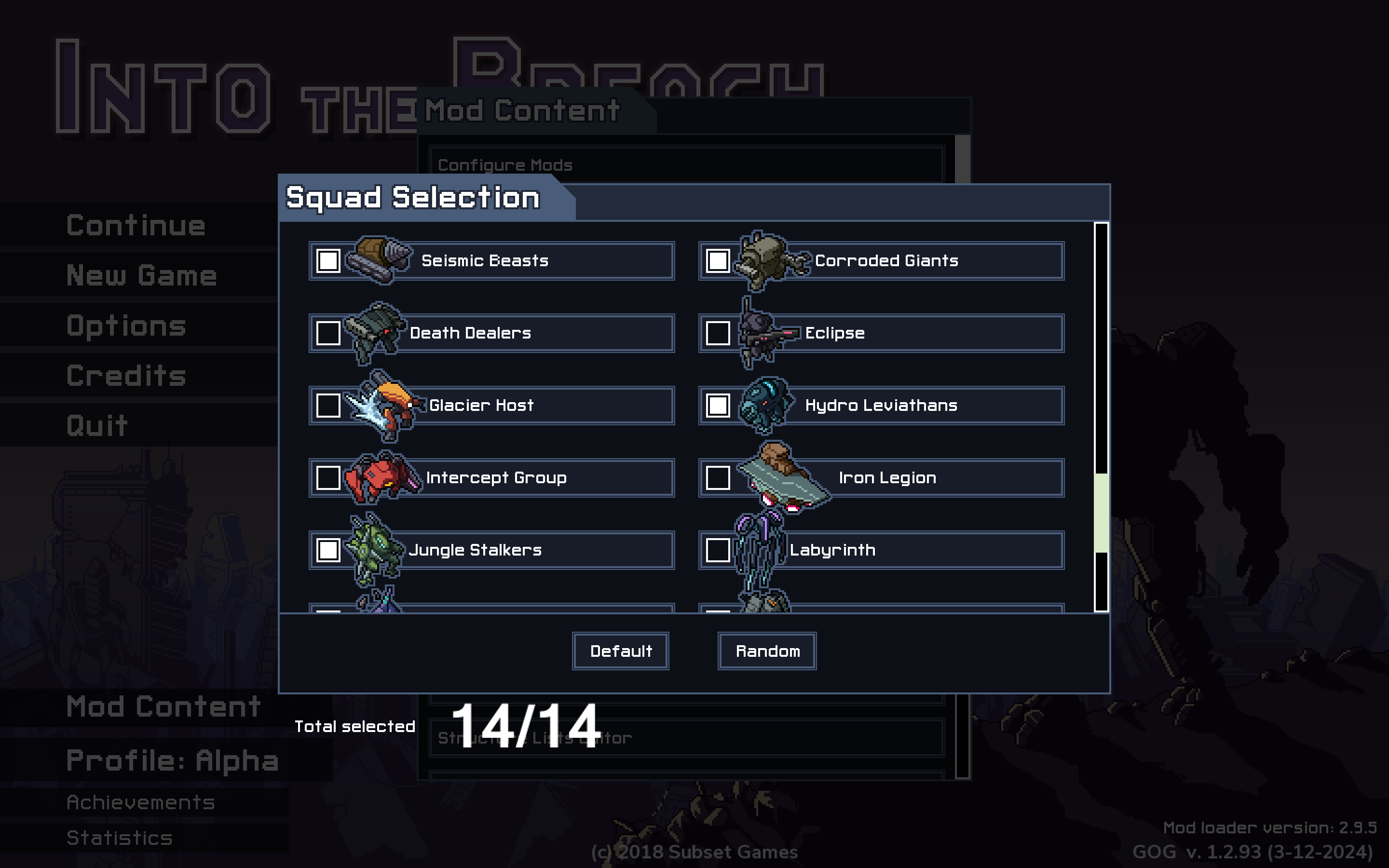
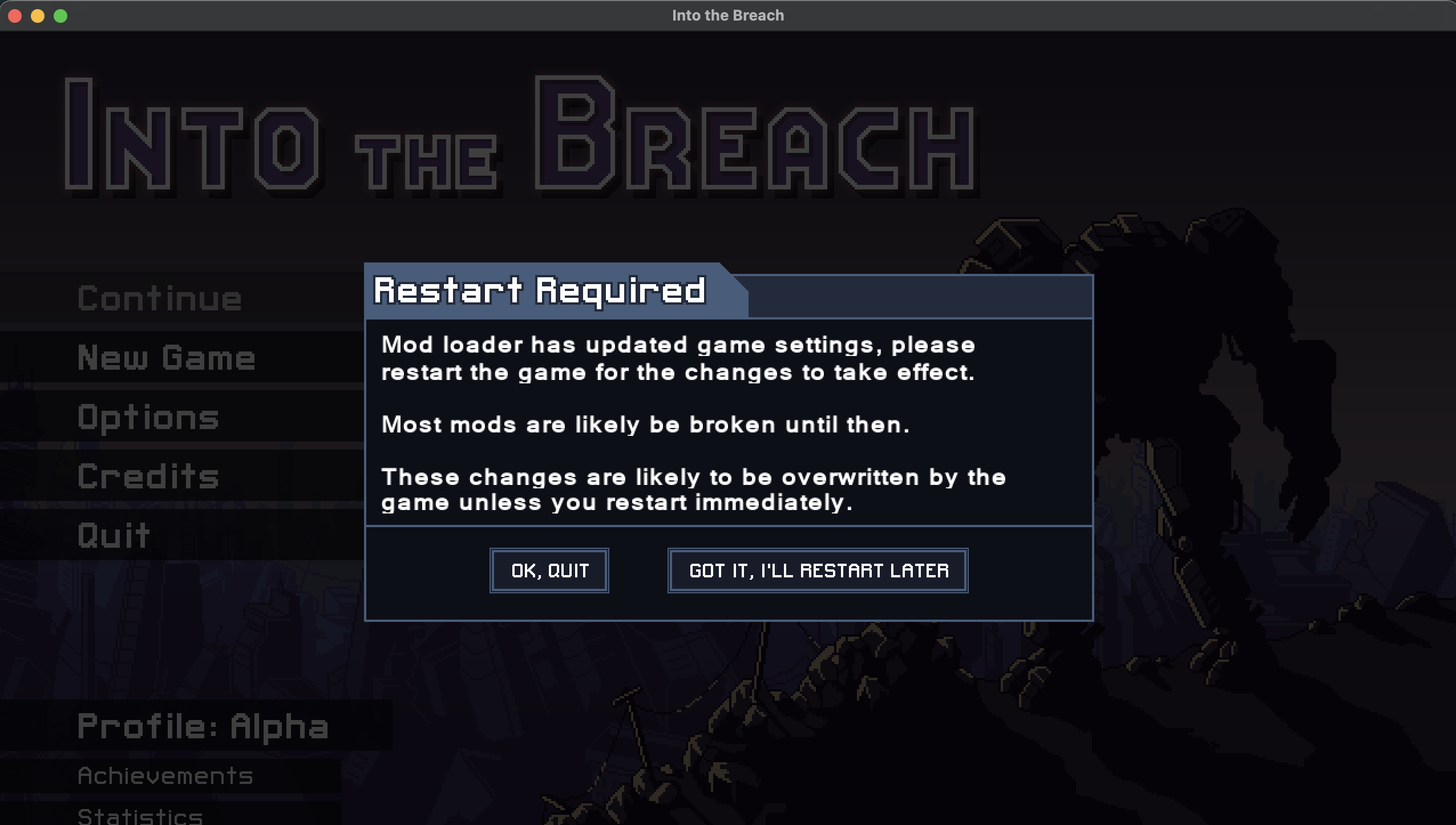
If you did everything right, you should get a pop-up when launching the game stating you need a restart. Upon launching, you'll know everything was installed correctly when you see the new Mod Menu.
Enjoy!
Morrowindnostalgia
Tested on M1 MacBook using Whisky and CrossOver using the GoG version. I cannot help with other methods (Steam, Wineskin, Sikarugir etc...)↩